How to Choose a Computer Monitor for Business : Monitor Buying Guide for Businesses & SMBs
Choosing the right monitor for your business or employees can be overwhelming with the numerous options available. The ideal display depends on factors such as workplace setup, job roles, and any specific requirements. Beyond technical specifications, considerations like budget, space, and configuration are equally important. This guide covers everything you need to know to select the best monitor for your business.
What Size Monitor and Resolution Does Your Business Need?
Selecting the right monitor size depends on two key factors: your office workspace and the demands of your team’s role. For routine office tasks such as documents, spreadsheets, and browsing, a 22–27-inch Full HD 1080p monitor is often sufficient. However, if your company specializes in retail, media entertainment, or creative or visual work—such as graphic design, photo or video editing, or if employees manage data-intensive fields like finance or engineering, larger displays with higher resolutions like 4K provide sharper detail and more screen space to manage complex workflows with ease, boosting productivity across your business. Discover our guide to find the ideal monitor size and resolution to elevate your business.
-
27” Below / FHD
Perfect for everyday office tasks. Its
compact design fits small spaces while still providing more screen space and better budget control. -
27” -30” / 4K, 1440P
Great for retail, media entertainment, and creative fields such as graphic design, video editing, or IT programmers.
-
Up to 30” / 4K, 1440P
Delivers the ultimate workspace for
Financial Analysts, Data Scientists, and Developers—perfect for dashboards, coding, and data-driven tasks.
Why Refresh Rate Matters for Your Business?
A monitor’s refresh rate isn’t just a gaming feature; it plays an important role in business use. Higher refresh rates (100Hz or above) ensure smoother visuals, reducing flicker and eye strain for employees who spend long workdays. In retail, they create a polished, professional experience for customers, while for creators and designers, they provide the clarity and precision needed to edit fast-moving visuals with confidence. Even for everyday office work, the difference is clear: for engineers or office staff, it makes daily tasks more comfortable and greater efficiency—helping your team work smarter and your business look its best.
Too Many Connectivity Options, How to Choose it?
Modern business monitors should provide flexible connectivity to support a wide range of devices. HDMI and DisplayPort are standard features, ensuring easy integration with laptops, PCs, docking stations, and peripherals. More advanced models with USB-C offer video, data transfer, and power delivery over a single cable—reducing desk clutter and enabling one-connection convenience. For IT professionals and engineering teams working across multiple devices, robust connectivity ensures seamless workflows and greater productivity.
How to Use Limited Budget Effectively and Smarter?
Most businesses work within strict budgets, so investing wisely in monitors is key to maximizing ROI. Matching monitor specifications to job requirements helps avoid overspending while ensuring productivity. Entry-level Full HD models—typically 24-inch FHD monitors priced between $90 and $150—are ideal for standard office tasks. Mid-range QHD displays strike a balance between affordability and performance, making them a solid choice for multitasking or light creative work. For professionals in design, media, or engineering, higher-end 4K or color-accurate monitors deliver the precision and efficiency needed for demanding workflows.
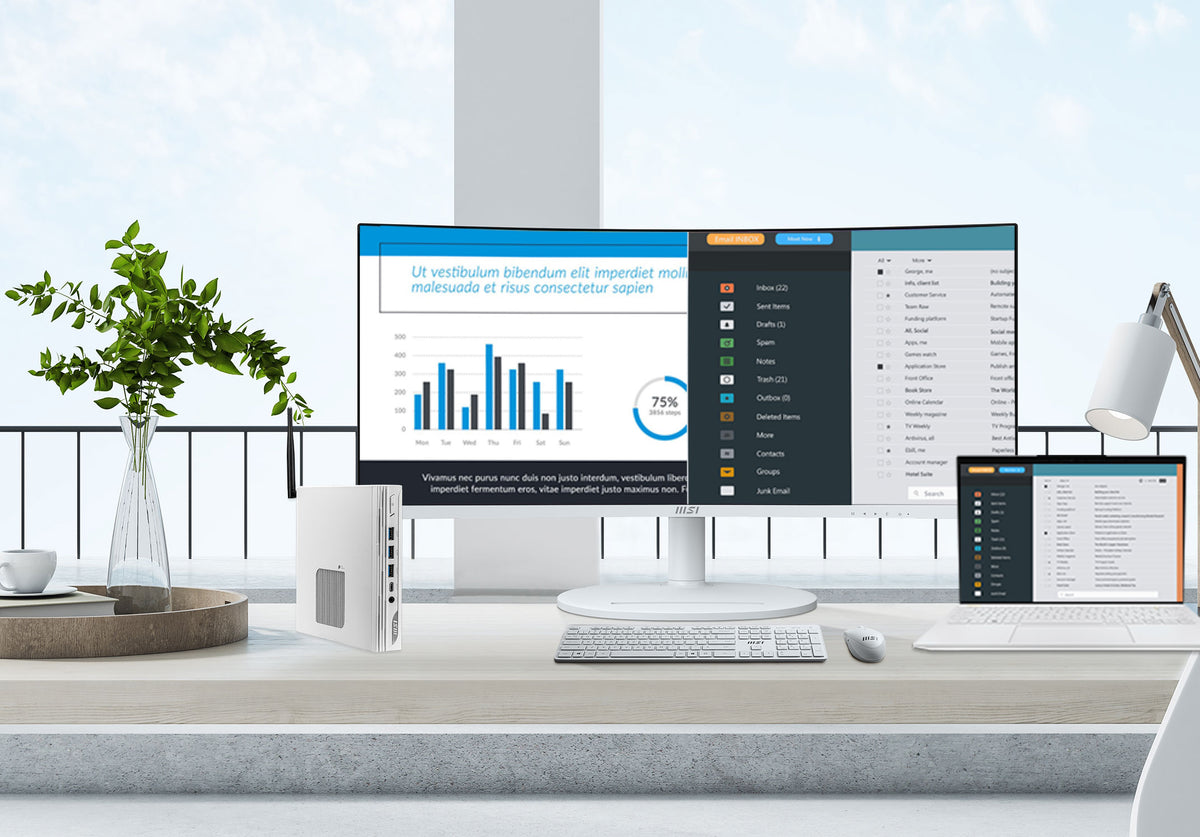
If you’re considering replacing a dual-monitor setup, ultrawide displays offer a compelling solution. Starting at around $200 to $250 for a 34-inch panel, they provide ample space to view multiple windows side by side. These monitors typically have aspect ratios of 21:9 or 32:9, providing an immersive and productive workspace. For even greater flexibility, look for models with PIP (Picture-in-Picture) or PbP (Picture-by-Picture) support.
21:9 or 32:9 Curved Screen
Providing an immersive and productive workspace to eliminate distortion and cover a wider field of view.
PIP/PBP –Productivity Intelligence
PIP overlays a small window for multitasking, while PBP splits the screen to display different sources side-by-side for easy comparison.
KVM Function
Able to control multiple computers with a single keyboard, mouse, and monitor, saving desk space and streamlining workflows.
Any Other Features to Consider for Businesses?
Here are some additional advantages of MSI business solutions that make them ideal for commercial applications:
- KVM Switch function
A KVM switch lets you control multiple computers with a single keyboard, mouse, and monitor, saving desk space and streamlining workflows. Particularly valuable in IT teams to manage multiple servers or workstations, it allows you to switch between devices seamlessly without needing separate peripherals for each system. - Ergonomics
Adjustable height, tilt, swivel, and pivot features are crucial for employee comfort and reducing strain and the risk of repetitive strain injuries. - Blue Light Filter
Reduces eye strain during long work hours. - Type C Port
A single-cable solution that delivers video, data, and power simultaneously—streamlining setup and minimizing clutter. It supports high-resolution displays, fast data transfer, and device charging at the same time, making it a versatile and highly productive choice. - VESA Mount Compatibility
Allows for flexible monitor placement using wall mounts or monitor arms. - Built-in Webcam & Speakers (Optional)
Can be convenient for meetings or audio tasks.
Recommended Monitor Specs for Common Business Roles
- General Office Staff for Small Business
24-27” IPS monitor, 1080p or 1440p resolution, 100Hz refresh rate with DisplayPort and HDMI connectivity, Blue Light Filter, Flicker-Free for eyecare.
-
Login to see prices
- 23,8" (60,5 cm)
- 1920x1080 FHD
- 100 Hz
- HDMI, DisplayPort
- FreeSync
-
PRO MP242APDE | MSI PRO Monitor
Login to see prices- 23,8" (60,5 cm)
- 1920x1080 FHD
- 100 Hz
- HDMI, DisplayPort
- Adaptive Sync
-
PRO MP243XWDE | MSI PRO Monitor
Login to see prices- 23,8" (60,5 cm)
- 1920x1080 FHD
- 100 Hz
- HDMI, DisplayPort
- FreeSync
-
PRO MP272PMG | MSI PRO Monitor
Login to see prices- 27" (68,6 cm)
- 1920x1080 FHD
- 120 Hz
- HDMI, DisplayPort, D-Sub, USB Type A, USB Type-B
- Adaptive Sync
- Graphic Designers, Video Editors, and IT Developers
A 27”+ IPS monitor with 1440p or 4K resolution delivers 99% DCI-P3 coverage and Delta ≤2 accuracy for lifelike visuals—plus sharper text and smoother multitasking for coding and development. - Financial Analysts and Data Scientists
An ultrawide monitor or dual IPS monitor setup with up to 1440p resolution, equipped with PIP (Picture-in-Picture) or PbP (Picture-by-Picture) features for
efficient multitasking.
-
Modern MD272UPSW | MSI PRO Monitor
Login to see prices- 27" (68,6 cm)
- 3840x2160 UHD
- 60 Hz
- HDMI, DisplayPort
- Adaptive Sync
-
Modern MD272UPHG | MSI PRO Monitor
Login to see prices- 27" (68,6 cm)
- 3840x2160 UHD
- 60 Hz
- HDMI, DisplayPort
- Adaptive Sync
-
MAG 341CQP QD-OLED | MSI Gaming Monitor
Login to see prices- 34" (86,4 cm)
- 3440x1440 UWQHD
- 175 Hz
- HDMI, DisplayPort, USB Typ-A, USB Typ-B, USB Typ-C
- Adaptive Sync
-
PRO MP341CQDE | MSI PRO Monitor
Login to see prices- 34" (86,4 cm)
- 3440x1440 UWQHD
- 100 Hz
- HDMI, DisplayPort
- FreeSync
Ready to Buy the Best Business Monitor for Your Team or Business?
Investing in the right monitors is a crucial step toward creating a productive and comfortable work environment for your employees. By carefully considering your needs, understanding key specifications, and exploring available features, you can choose monitors that will empower your team and contribute to the success of your business. MSI business monitors are designed to boost productivity, enhance comfort, and support a wide range of professional needs—from finance and data analysis to creative design and IT management. With features such as high-resolution displays, ultrawide options, color-accurate panels, and multi-device connectivity, MSI offers a complete range of monitors to meet every business requirement.
MSI business e-shop is the one-stop shop for streamlining your business purchases and built to provide exclusive benefits that support your business at every stage of growth. When you shop through the MSI e-B2B e-shop, you’ll enjoy:
- Trusted Quality: Genuine products and trusted quality straight from
MSI. - Welcome Offer: Exclusive benefits for new business members.
- Bulk Purchase Discounts: Special pricing for larger orders to support growing teams.
- Secure Payment: Reliable and safe transactions for peace of mind.
- 14-Day Free Return Policy: Hassle-free returns to ensure satisfaction.
MSI helps your business invest smarter in technology—delivering the right monitors with the right value, all backed by a seamless e-B2B shopping experience. Don't be afraid to ask for quotes and be sure to check out our overall monitor favorites for a broader selection to help you find your right monitors. Explore our full range of business monitors and contact us for personalized assistance.
Shop now on the MSI Business e-Shop: https://eu-business-store.msi.com/